How to launch a SaaS landing page in a day using a Framer template
By
Moshymercy
5 Min Read

The biggest mistake founders make with their landing page is waiting until the product is ready to start building it.
By the time you're ready to launch, you want a landing page that's been live for weeks — indexed by Google, shared in a few communities, with a handful of email signups already waiting.
Here's how to go from zero to live SaaS landing page in a day using a Framer template. No developer required.
Step 1 — Get clear on three things before you open Framer (30 min)
Before you touch the template, write down:
Your one-sentence value proposition. Not a tagline. A clear statement of what your product does, for whom, and what it changes. "Simeon gives SaaS founders one dashboard for all their revenue sources" is a value proposition. "The future of revenue tracking" is not.
Your three core features. Not a list of everything the product does. The three things that matter most to the person you're trying to convert in the next 90 days.
Your social proof. Even in early stage, you have something: a beta tester quote, a waitlist number, a logo of someone using it. If you have nothing yet, acknowledge it honestly — "Join 200 founders on the early access list" is social proof.
Step 2 — Choose and purchase your template (5 min)
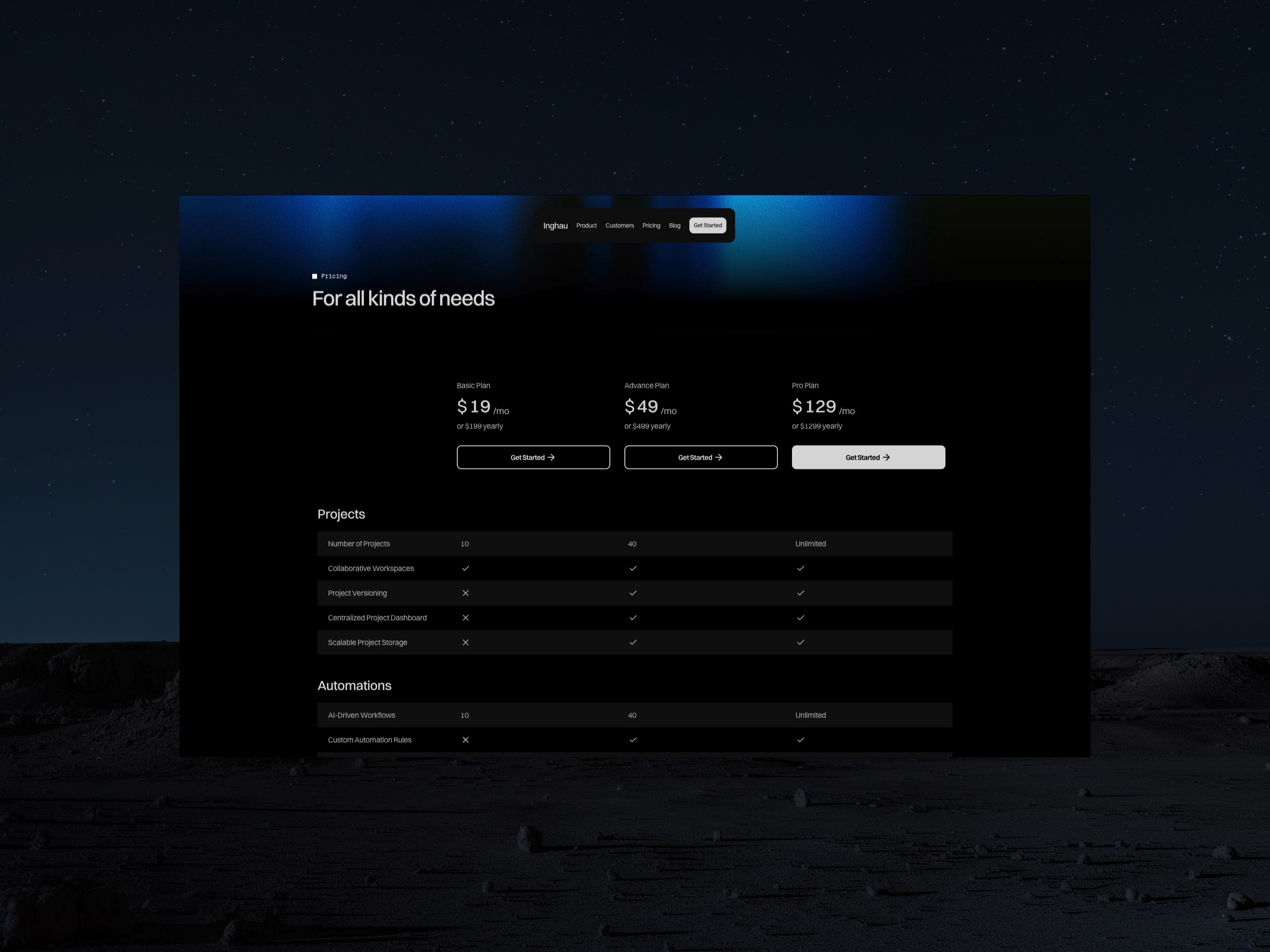
For AI and SaaS products, Inghau is built for this use case. Purchase it on Sidebay Supply via Polar, duplicate it to your Framer workspace.
Step 3 — Replace the copy (2 hours)
Work section by section:
Hero: value proposition + subheadline + primary CTA
Features: your three core features, one paragraph each
Social proof: whatever you have
Pricing: your tiers, even if they're not final
CTA section: email capture or trial signup
Don't try to write perfect copy on the first pass. Write clear copy. You can optimize later. Done beats perfect at launch.
Step 4 — Replace the visuals (1 hour)
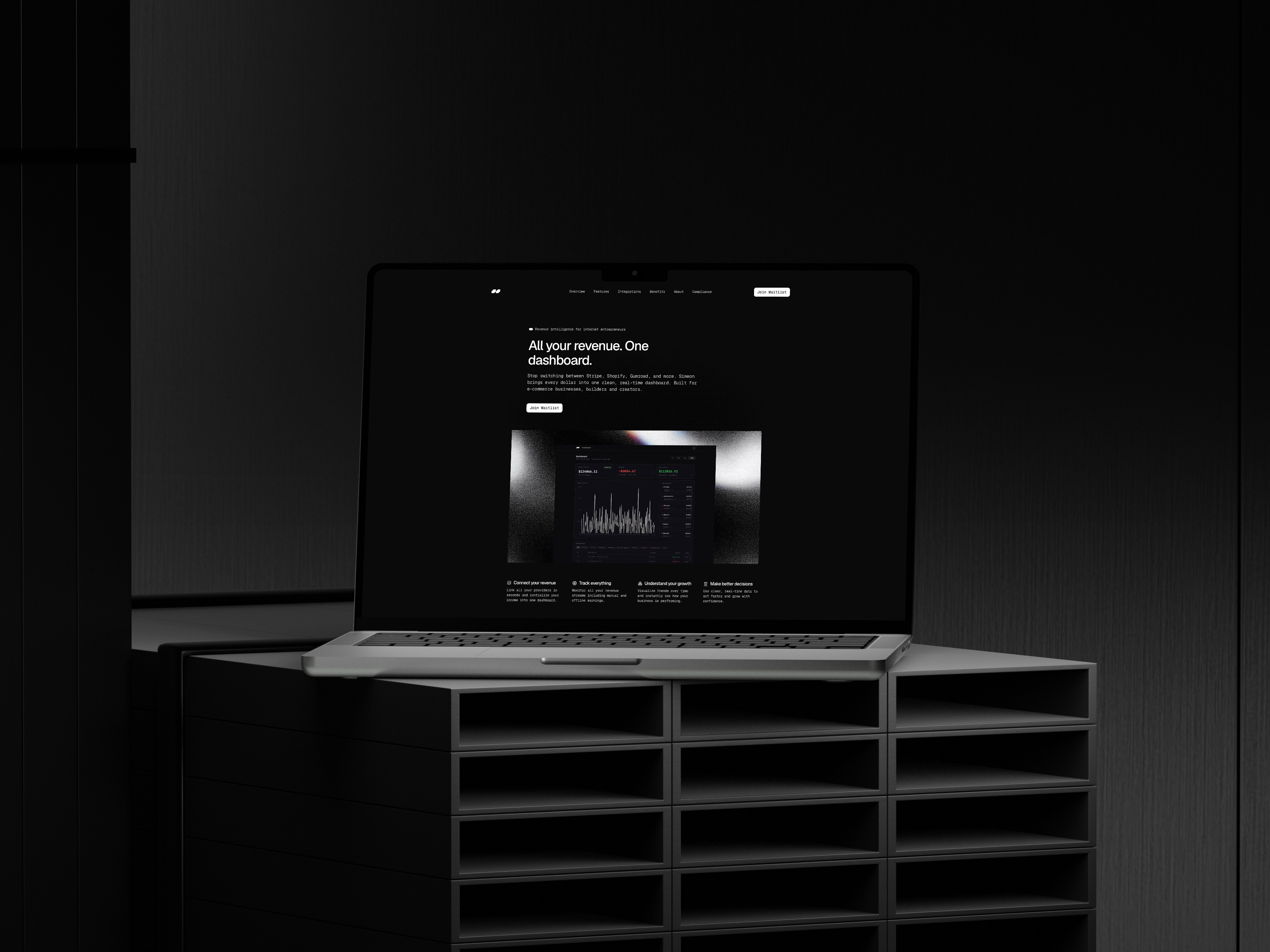
Drop in your product screenshots, your logo, your brand colors. If you don't have product screenshots yet, use a clean mockup — Framer has a device frame component built in.
Change the primary color in the global styles panel. It updates everywhere in one click.
Step 5 — Connect your domain and publish (30 min)
Framer hosting is included. Add your domain in the project settings, verify the DNS records, hit publish. You're live.
What comes next
A live landing page on day one isn't the end of the process — it's the beginning. Watch where people drop off, test different headlines, update the pricing when you know more. The template is the starting point. The product and the traction tell you where to go from there.
If at some point the template starts to feel limiting — if you need it to feel genuinely custom — the Sidebay Supply personalization service is the next step. Starting at $2,000.
About
Beautiful websites, built for growth
© SIDEBAY SUPPLY + SOME SELECT / MOVERISM CORP
